Changicon
Give every tab a face you recognize.
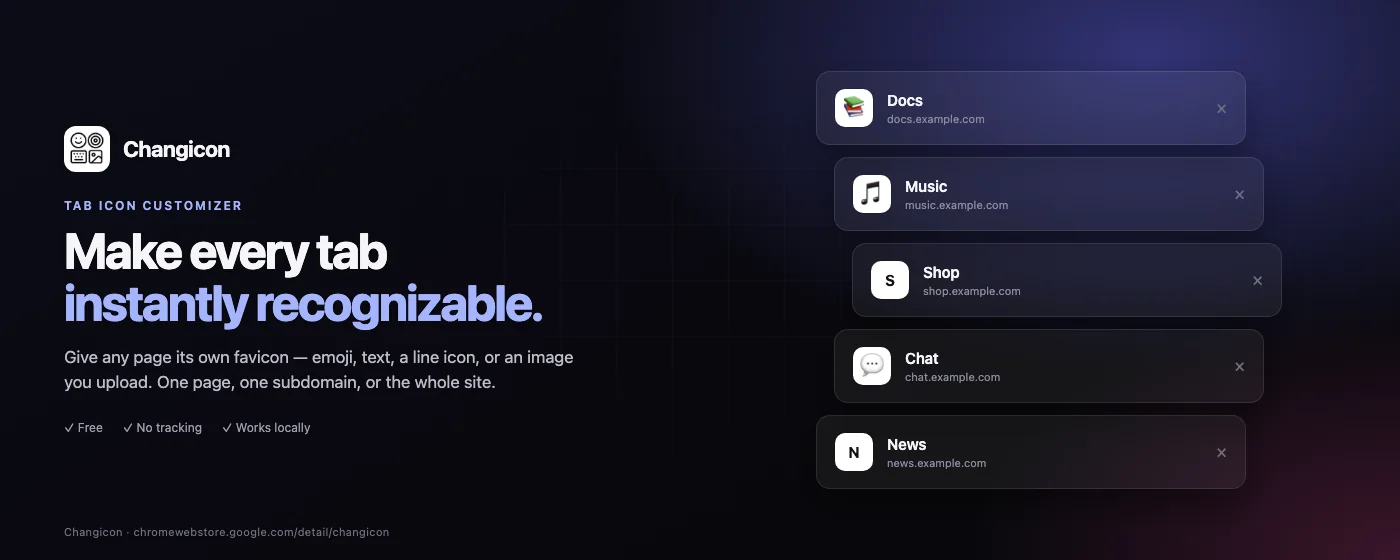
Tab bars get crowded and most favicons look the same at 16px. Changicon lets you label a tab the way your brain already does — with an emoji, a short badge, a recognizable line icon, or a picture from your own library.
Latest release v1.2.0 · Nov 17, 2026
01
Four icon sources
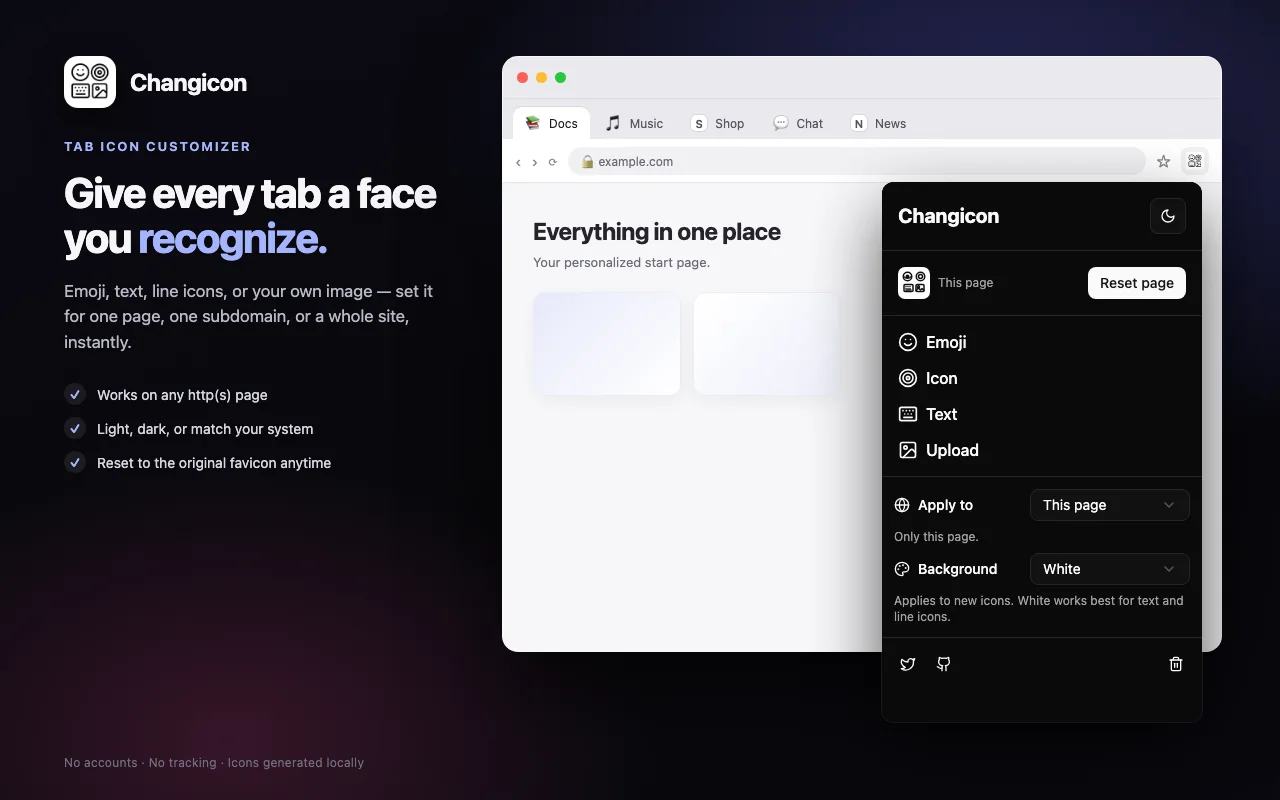
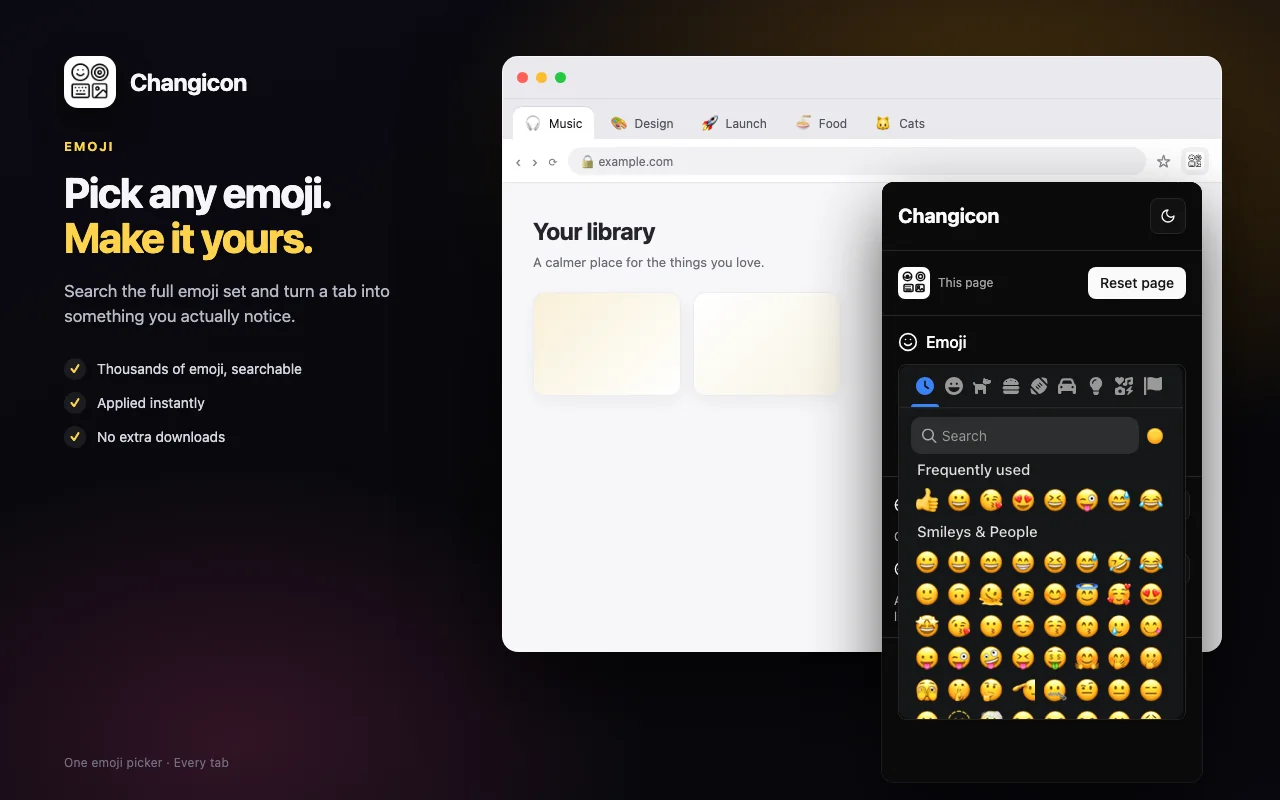
Emoji (full picker with search), text up to two characters with auto-fit, searchable Lucide icons, and image upload — PNG, JPG, WebP, GIF or SVG, up to 5 MB.
02
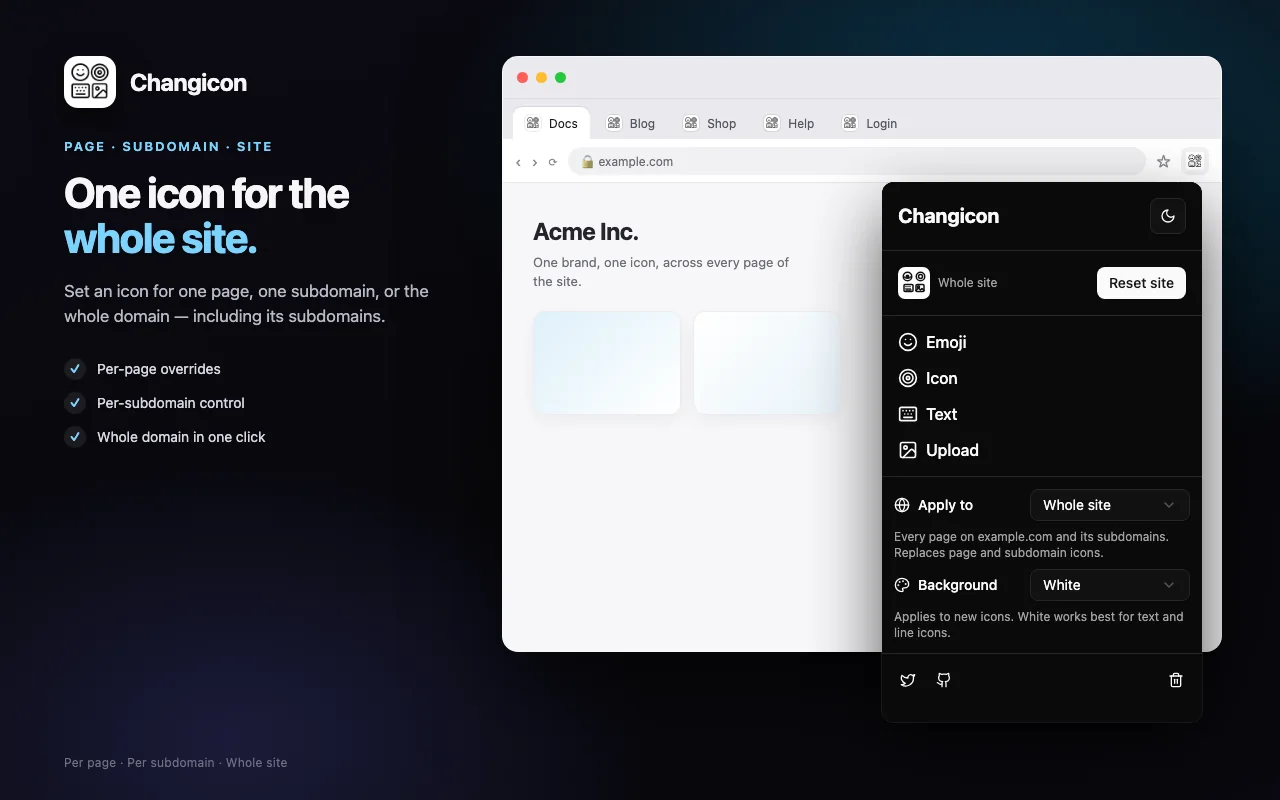
Three scopes
One page, every page on the current hostname, or the whole registrable domain. Narrower scopes win, and applying a wider one replaces the narrower icons it covers.
03
Instant, in place
The tab icon changes immediately, and reset restores the site's own favicon without a reload.
04
Consistent tiles
A white rounded tile or a transparent background, chosen once. Crop to fill, or fit the whole image with a background.
05
Light, dark, or system
The popup matches your browser, including the finer settings screens.
06
Private by design
Icons are generated on your device and stored in chrome.storage.local. The extension makes no requests.
Why it exists
A tab is about 30 pixels wide. At that size, half the web's favicons collapse into the same grey smudge — which is fine until you have twelve tabs open and no idea which one is the dashboard.
Changicon started as a personal fix: five tabs of the same product on different environments, labelled 1 2 3 4 5. It turned out to be useful for anyone who keeps the same sites open all day.
How icons are made
Emoji and text are rendered to a canvas on your machine; uploaded images are cropped or fitted the same way. The result is written to chrome.storage.local and injected as a data URL favicon, so there is no server, no sync and no account.
Icons are generated and stored locally in chrome.storage.local. No account, no tracking, no network requests.

Also from the studio
postMessage Catcher